








जनरेटर
इतिहास
एआई फ्लोर प्लान जनरेटर
परिवर्तन उपकरण
मॉडल
बेस
स्विच
Rooms
बेडरूम
-
2
+
बाथरूम
-
1
+
Kitchen
खुला
बंद
कुल क्षेत्रफल
यूनिट Metric
 साम्राज्यिक
Metric साम्राज्यिकक्षेत्र
< 50㎡
50-80㎡
80-100㎡
100-120㎡
120-150㎡
> 150㎡
अतिरिक्त सुविधाएं
वॉक-इन क्लोजेट
लॉन्ड्री रूम
स्टोरेज रूम
यूटिलिटी रूम
होम ऑफिस
गैराज
पेंट्री
संयुक्त रहने-खाने का क्षेत्र
बालकनी

Design Your Dream Layout with Our AI Floor Plan Generator
Revolutionize your property planning with Ideal House’s AI Floor Plan Generator. Quickly create professional-grade 2D floor plans tailored to your exact specifications. Whether you’re a homeowner, real estate professional, or designer, our intuitive tool acts as your personal electrical floor plan maker, transforming your vision into a clear, detailed blueprint in seconds. Say goodbye to complex software and hello to effortless design.
Generate My Floor Plan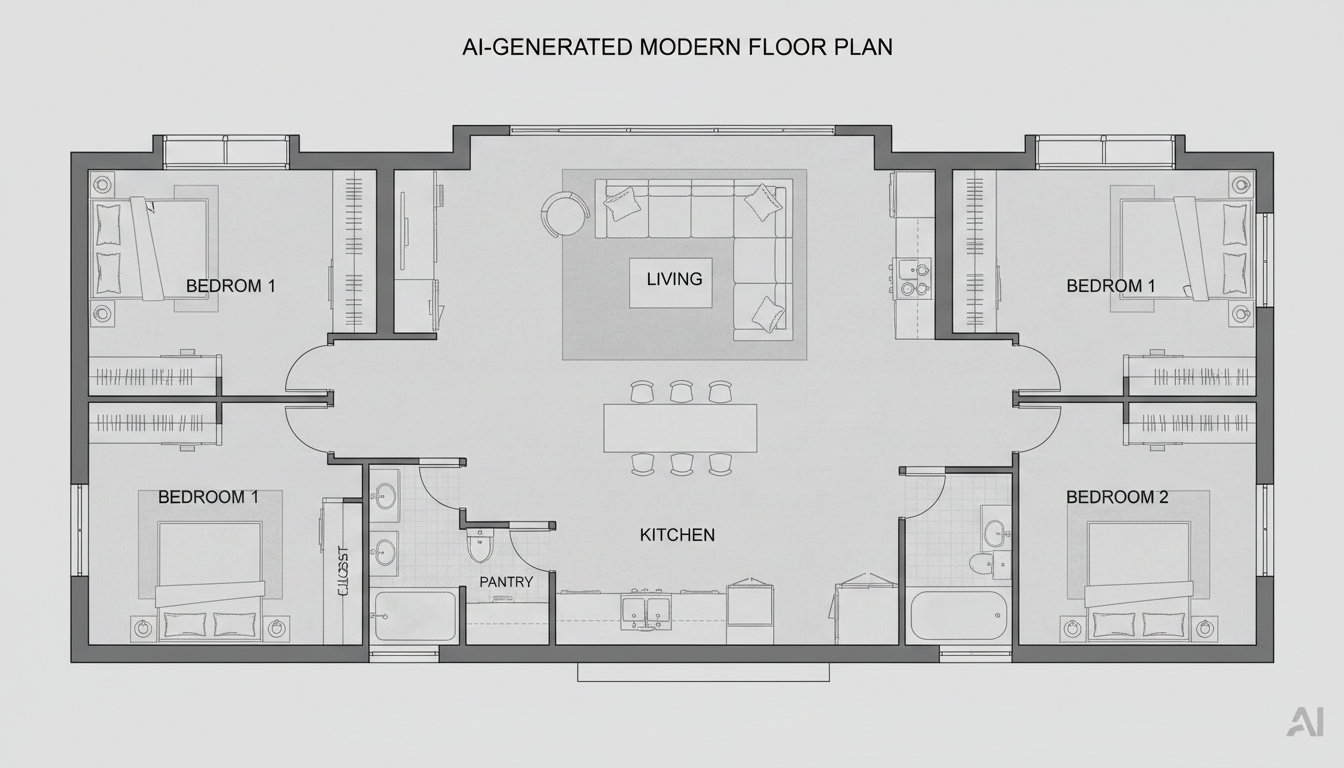


Why Choose Ideal House for Your Floor Plans?
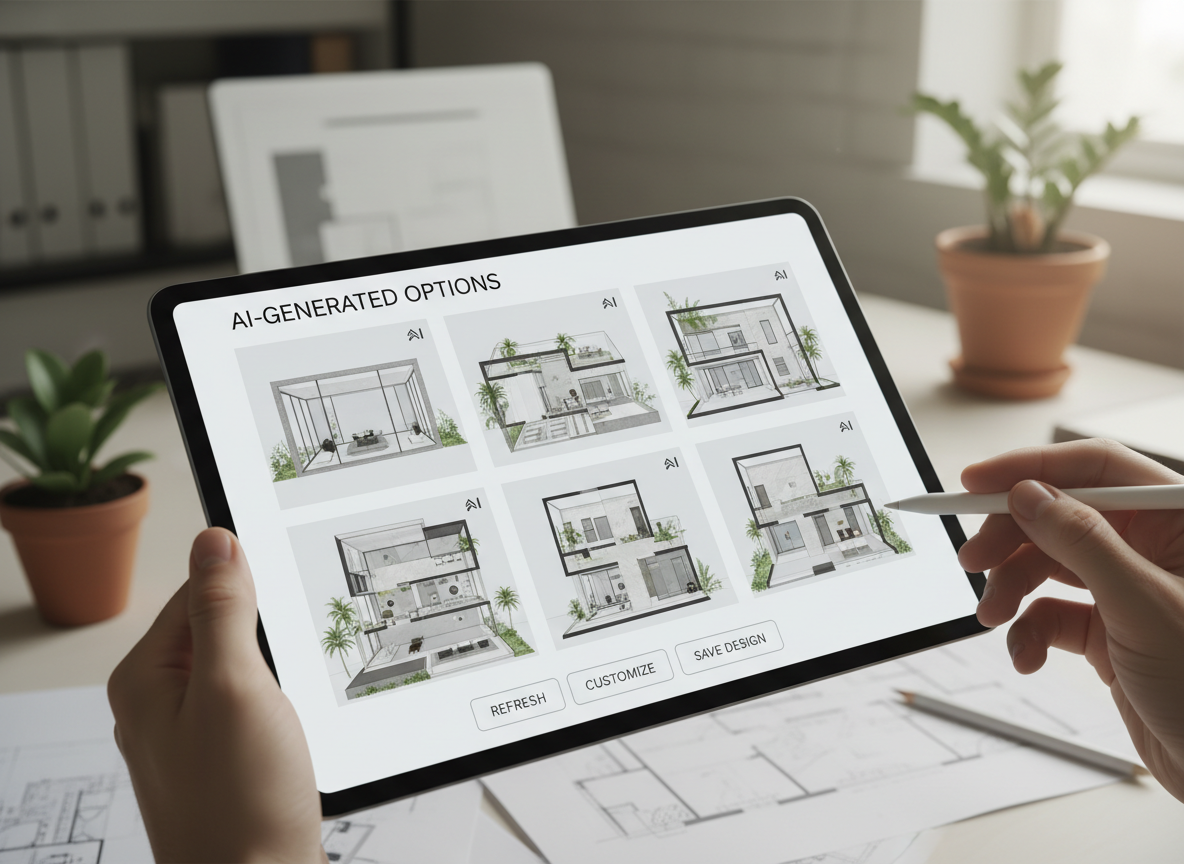
Instant, AI-Powered Layouts
Leverage cutting-edge AI to generate detailed 2D floor plans from simple inputs. Our AI floor plan generator quickly interprets your needs, providing immediate visual representations. This saves hours of manual drafting, making it the perfect electrical floor plan maker for rapid prototyping and client presentations.
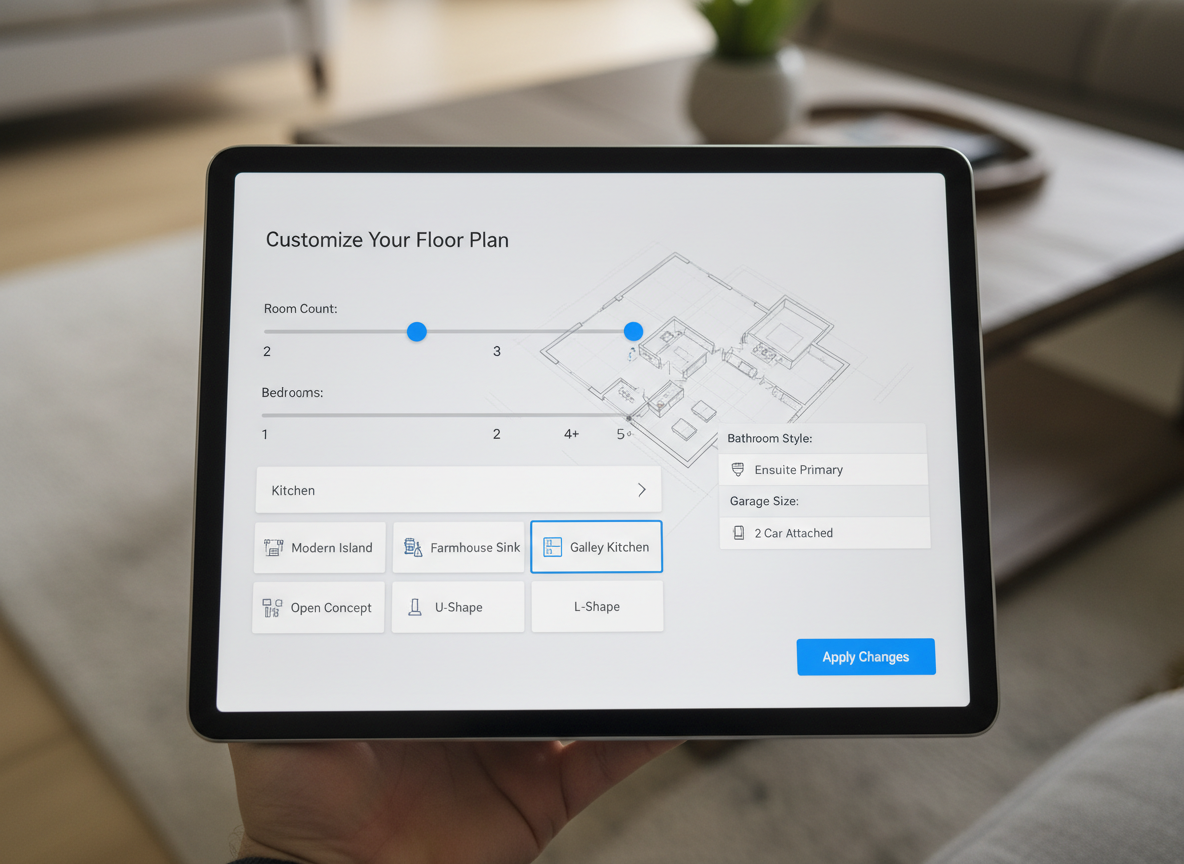
Customization at Your Fingertips
From the number of bedrooms and bathrooms to kitchen styles (open or closed) and specific extras like a walk-in closet or home office, our tool offers unparalleled customization. Easily experiment with different layouts and refine your vision, making our platform a truly versatile house plan creator.
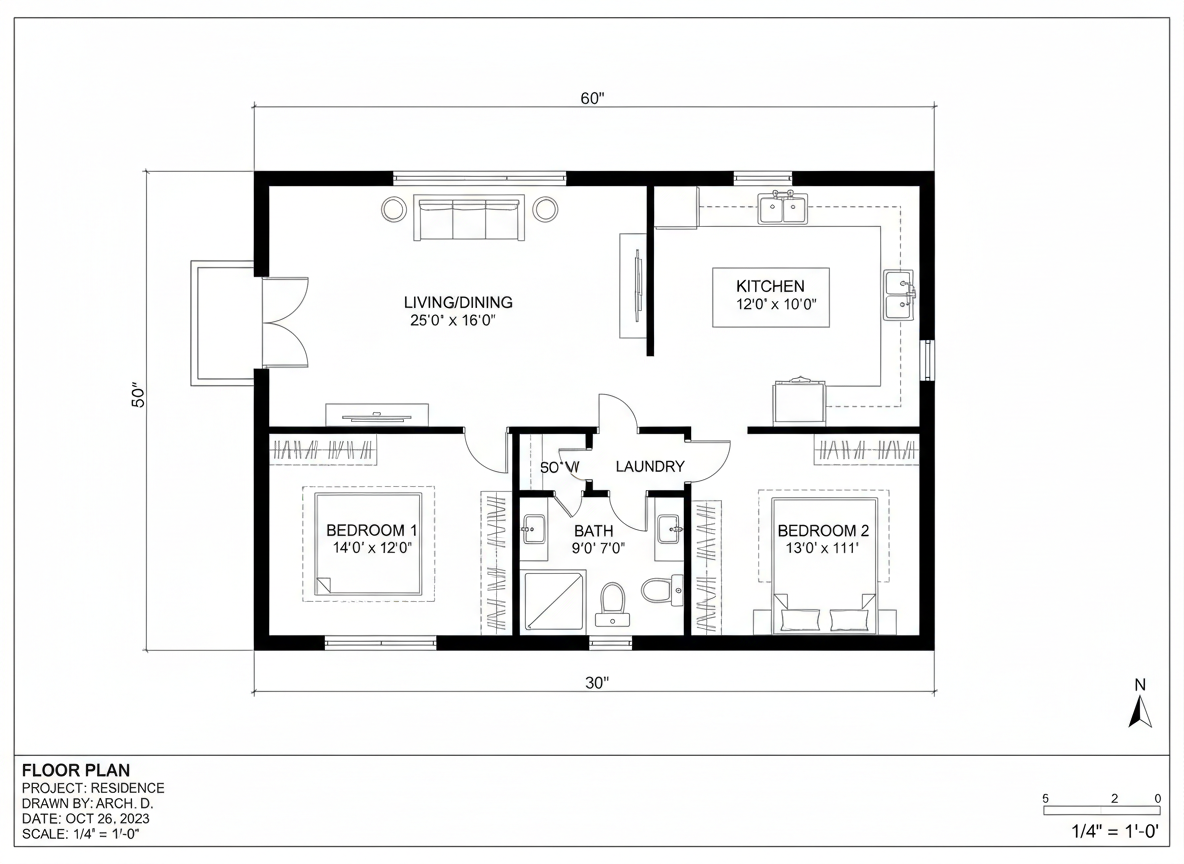
Professional 2D Floor Plans
Ideal House delivers clean, presentation-ready 2D floor plans. These high-quality outputs are perfect for real estate listings, client discussions, and personal planning. Get accurate and aesthetically pleasing digital floor plans that clearly communicate your design intent, rivaling traditional architectural drawing software.
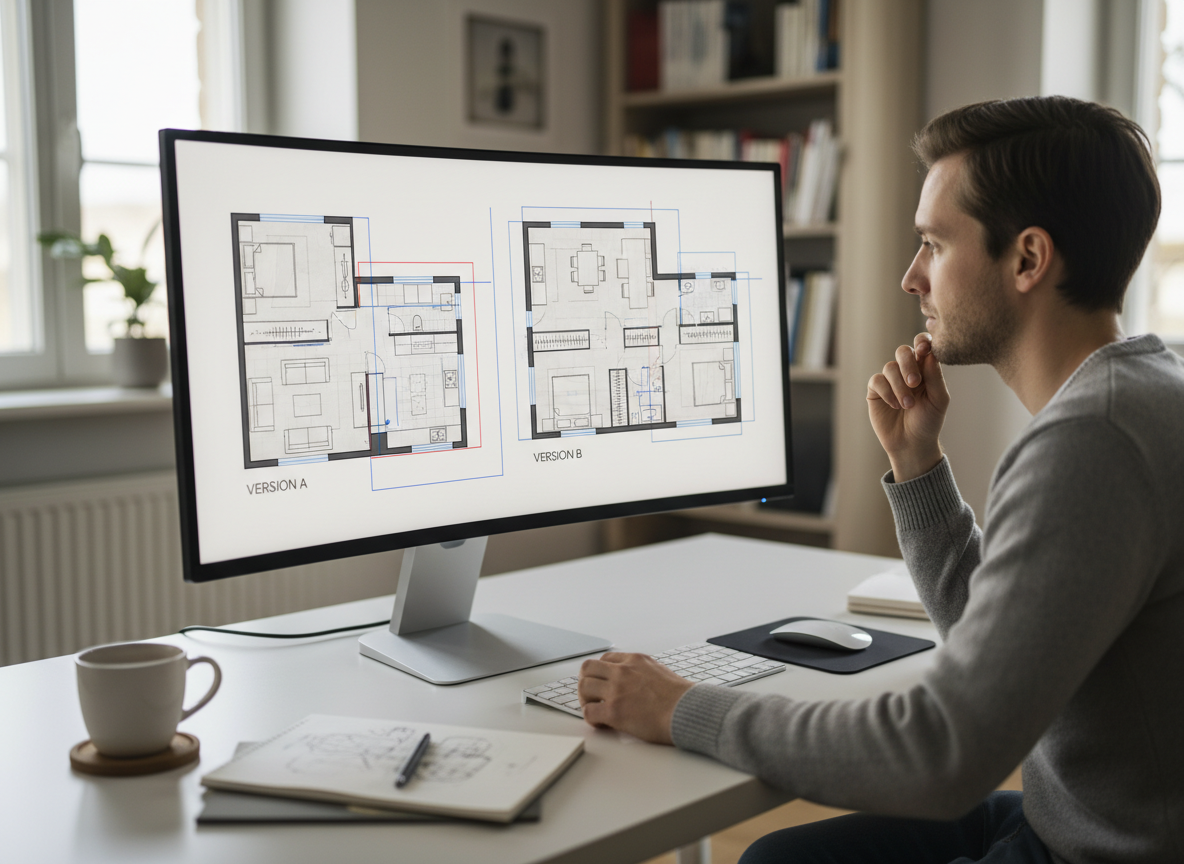
Streamlined Workflow & Collaboration
Every generated floor plan is saved, allowing you to track iterations and compare designs effortlessly. Share your creations with ease, fostering better collaboration with clients, contractors, or family members. Our integrated history and filtering make managing your projects simpler than ever before, enhancing your room layout planner experience.

Who Benefits from Our AI Floor Plan Generator?

Homeowners & DIY Planners: Visualize renovations, additions, or new home designs with ease. Experiment with different bedroom/bathroom counts, kitchen styles (open vs. closed), and add features like a walk-in closet to see how various layouts impact everyday living. Our tool helps you become your own electrical floor plan maker for personal projects.

Real Estate & Rental Professionals: Create simple, consistent 2D real estate floor plans for listings instantly. Help potential buyers or renters immediately grasp the layout and flow of a property, enhancing your online floor plan presentations and attracting more interest.

Interior Designers & Decorators: Generate quick, on-brand apartment floor plan concepts from a brief, then iterate with clients in real-time. This floor plan designer tool is invaluable for presenting initial ideas and refining them collaboratively, boosting your efficiency and client satisfaction.

How to Use Our Electrical Floor Plan Maker
1
1. Define Your Space: Begin by selecting the desired number of Bedrooms (0-4) and Bathrooms (1-3). Default settings are conveniently pre-selected for quick starts.
2
2. Choose Kitchen Style: Toggle between an 'open' or 'closed' kitchen to instantly see how it influences the overall flow and layout of your custom floor plan.
3
3. Specify Gross Area: Pick a gross area range that best matches your target size. This guides the AI floor plan generator to create proportions that feel right for the selected footprint.
4
4. Add Key Features: Multi-select 'extras' like a walk-in closet, laundry room, home office, garage, pantry, combined living-dining, or balcony. These steer the AI in zoning and room relationships.
5
5. Generate & Refine: Click 'Generate' to instantly produce a 2D floor plan. Review the results and easily tweak your selections to create new versions. All generations are saved in your history for comparison.
6
6. Download & Share: Export your chosen design as an image or PDF. Share your professional digital floor plan with clients, contractors, or for real estate listings, making project communication seamless.
Frequently Asked Questions About Our AI Floor Plan Generator
How does the AI electrical floor plan maker interpret my selections?
Our AI floor plan generator utilizes advanced algorithms to interpret your inputs for beds, baths, kitchen type, gross area, and selected extras. It then applies common architectural principles and circulation rules to draft a clear 2D floor plan, creating a fresh concept with each click.
What are the available ranges for customization?
You can select Bedrooms (0-4, default 2), Bathrooms (1-3, default 1), and Kitchen style (open/closed, default open). Gross Area ranges are available to guide overall scale, and multiple extras can be selected simultaneously to further customize your blueprint maker experience.
How does 'Gross Area' affect the generated floor plan?
The 'Gross Area' selection guides the AI in determining the overall scale of your property. Choosing the closest band ensures that rooms and corridors are proportioned realistically for that specific footprint, leading to a more believable and functional home layout tool output.
What's the difference between an open and closed kitchen in the generated plans?
An open kitchen typically promotes a continuous living-dining sightline, fostering a more fluid and integrated social space. A closed kitchen, conversely, biases towards a more defined, separate cooking zone, offering clearer separation and often more wall space for cabinetry. Our AI floor plan software reflects these design philosophies.
How do the 'Extras' influence the floor plan design?
Selecting extras like a walk-in closet, laundry room, or home office informs the AI where to prioritize and strategically place these spaces within the overall layout. For instance, a pantry will be near the kitchen, and a home office might be in a quieter corner, optimizing your space planning software results.
Explore More Ideal House Design Tools
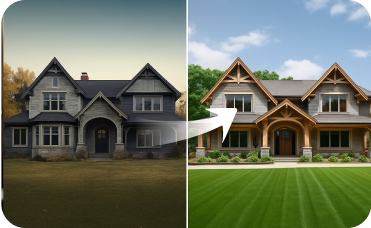
Exterior Renovator
Boost curb appeal by visualizing new siding, windows, and paint.
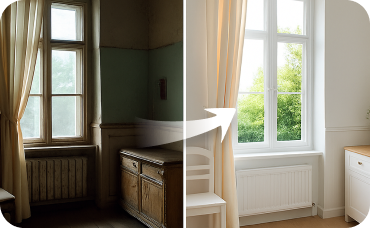
Interior Remodel
Redesign the inside of your home with the same AI-powered speed and realism.
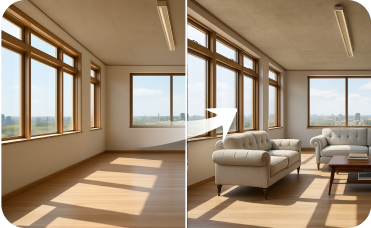
Virtual Staging
Furnish your newly designed spaces with coastal-themed furniture to create a complete, market-ready presentation.
Ready to Design Your Space?
Map your ideal space in minutes with a clear 2D floor plan—simple, fast, and share-ready with our AI electrical floor plan maker. Experience the future of home design today.
Generate My Floor Plan
💰 Ideal House के एफिलिएट पार्टनर के रूप में 10% कमीशन प्राप्त करें।
हमसे जुड़ें